 MenuPlan AIGet the free app
Free · No sign-up
Your weekly meal planner.
Write down lunch and dinner for the week. Print it for the fridge or save it as a PDF.
Week of ________________
Monday
Tuesday
Wednesday
Thursday
Friday
Saturday
Sunday
Automatically saved in this browser. Come back to this page to continue. Clearing your browser data will delete your planner.
Free weekly meal planner by MenuPlan AI · menuplan-ai.aikitconsultoria.chatgpt.site/weekly-meal-planner
From your meal plan to your shopping list.
- Choose the days you will eat at home and write down the meals you want to make.
- Check what you already have and use the notes to list the ingredients you need.
- Select “Print / PDF”. In the print window, choose your printer or “Save as PDF” if your browser offers it.
You can print the blank planner and fill it in by hand. You do not need the Android app to use this page.
The English and Spanish versions share your saved plan in this browser. Switching languages keeps your meals and notes as you wrote them.
Inside the Android app
Your recipes. Your week. Your shopping.
Three screens from MenuPlan AI in English. Select an image to view it at full size.
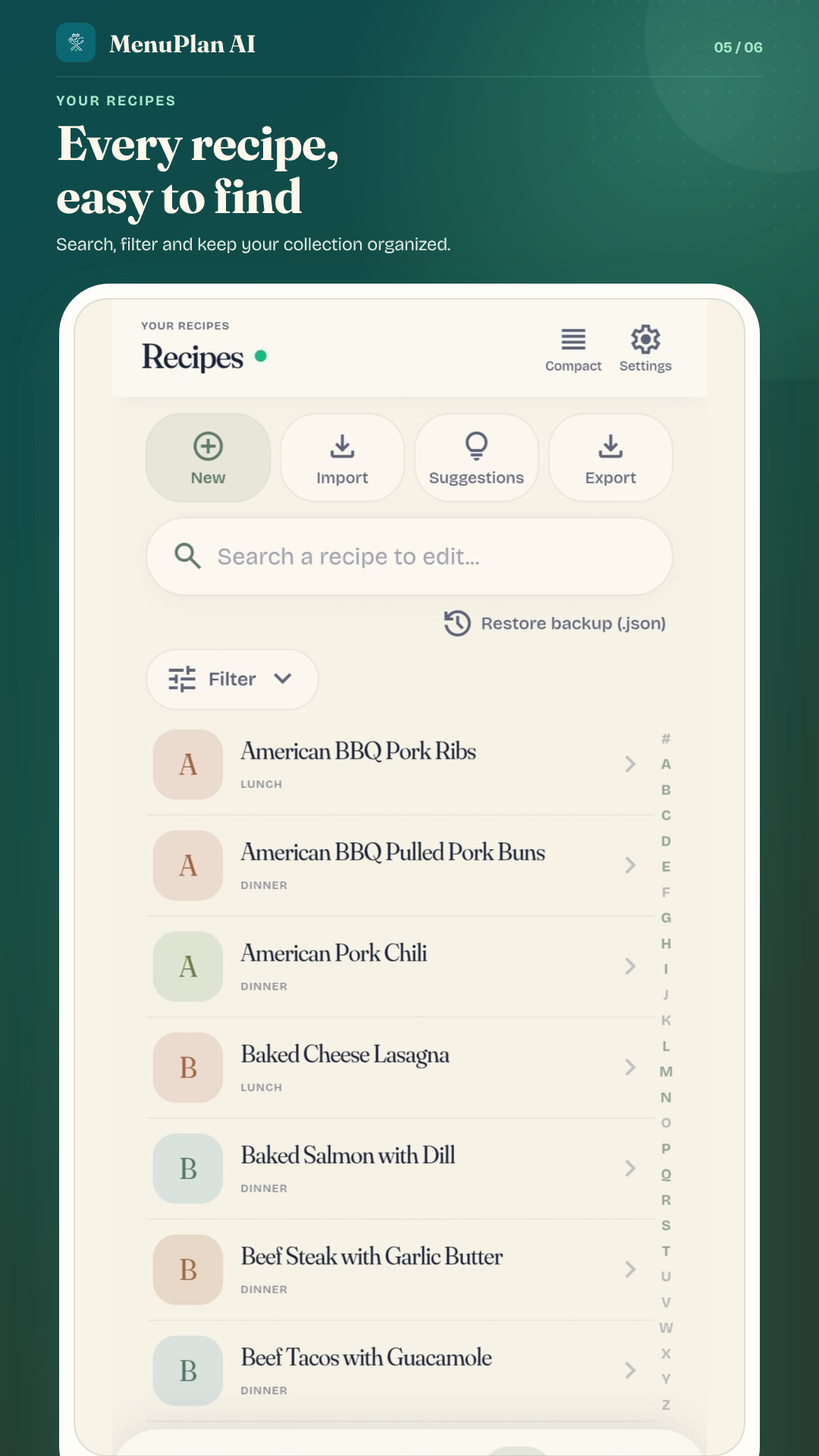
Save your recipes
Keep the dishes you cook in one place. Add a recipe by hand, import a compatible recipe website, or use AI to structure a photo of a written recipe or pasted text, or draft a recipe from its name.
 View full size
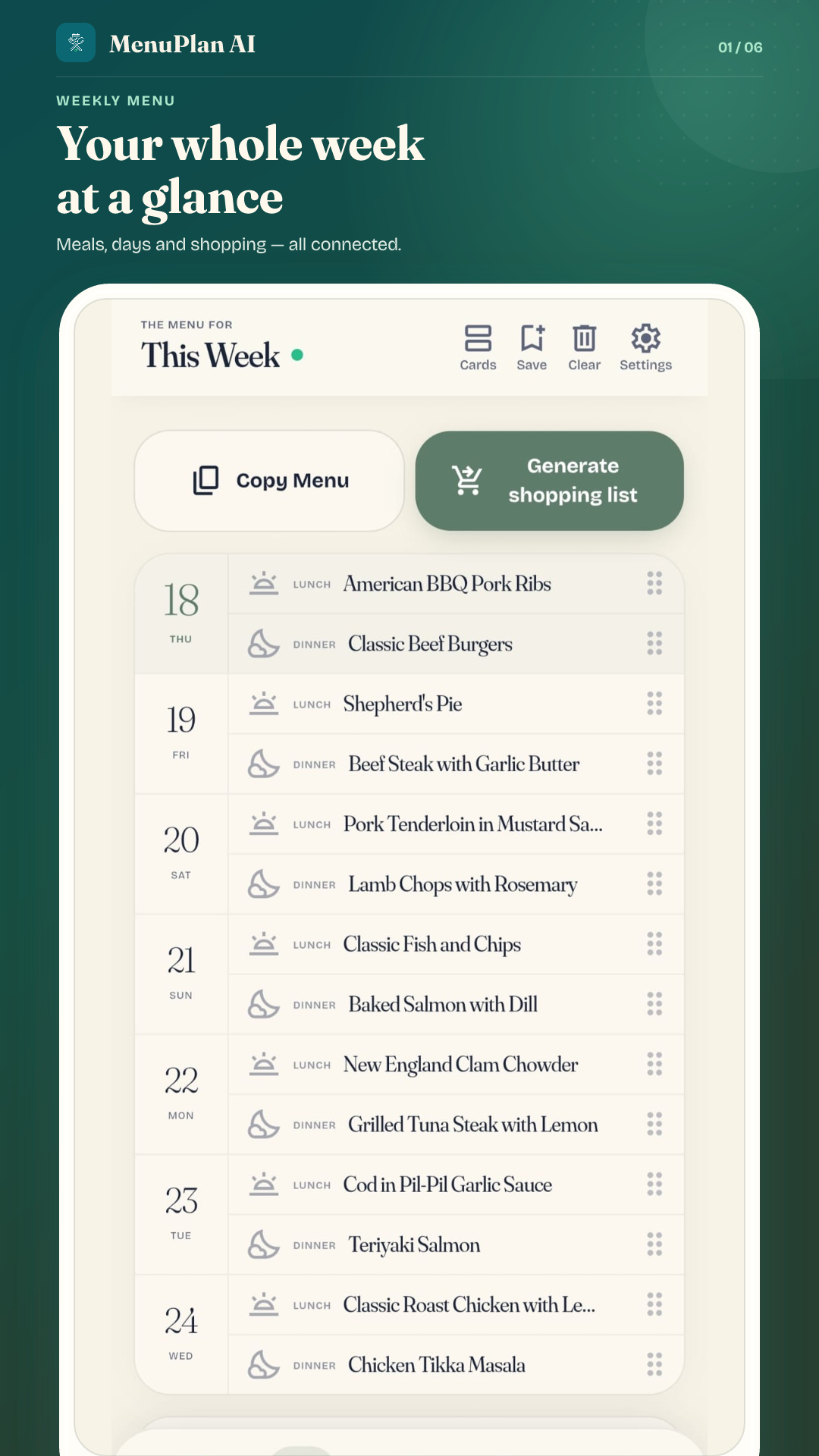
Plan your week
Choose your days and meal rules. The planner arranges your saved recipes automatically, and you can review the week and change any dish.
 View full size
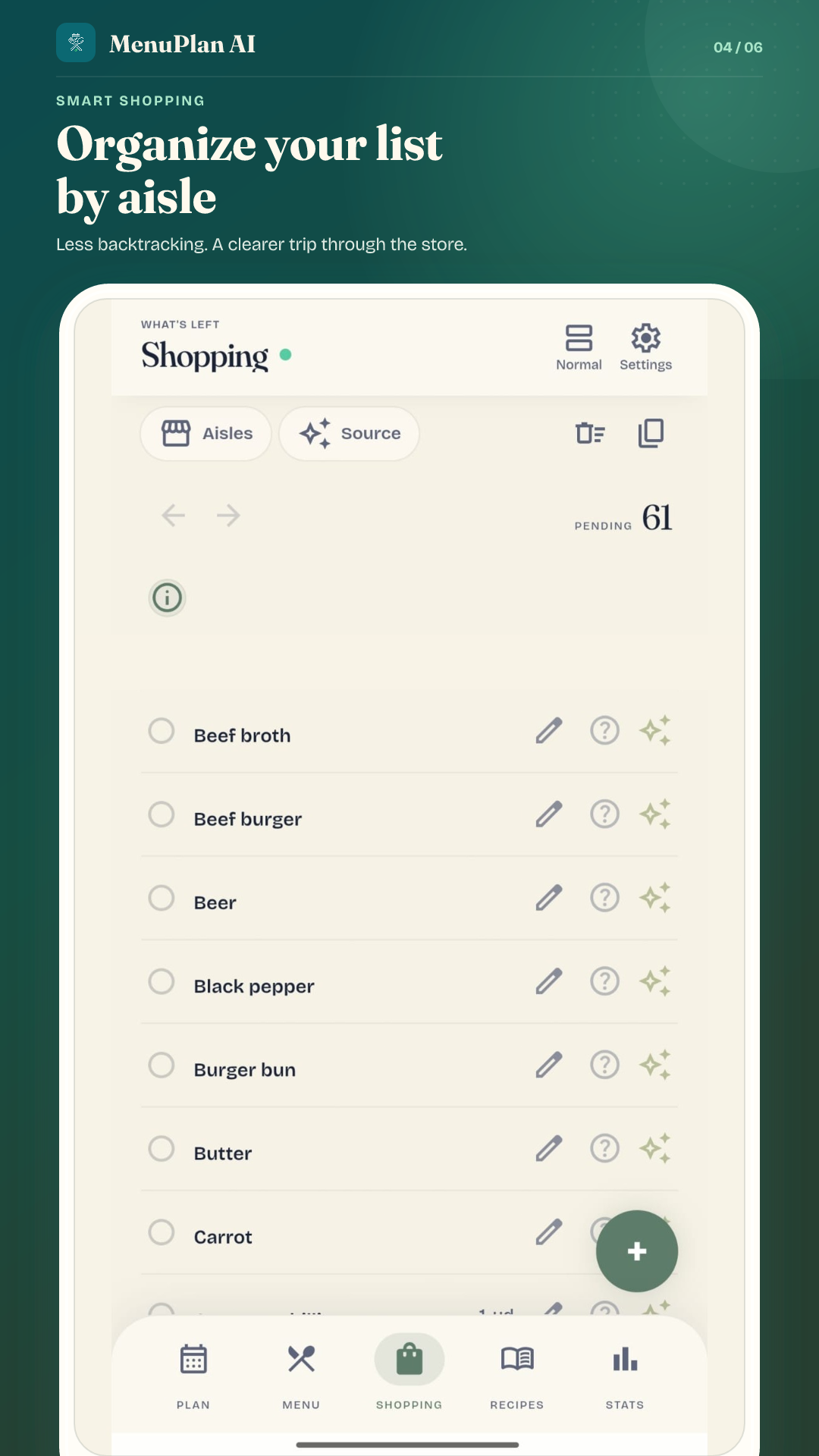
Shop from one list
Generate a shopping list from the recipes in your menu. Organize items by aisle and share the same recipes, menu and list with your household.
 View full size
Try it on your own, then share.
Guest mode lets you start without creating an account. Sign in to create or join a household and sync recipes, menus and shopping lists across your phones.
Free to use, in 6 app languages.
No ads or subscriptions. Choose English, Spanish, French, German, Italian or Portuguese in the app.
Where does AI fit in?
The weekly planner uses your saved recipes and rules; it does not generate menus with AI. AI helps import a photo of a written recipe or pasted text, draft a recipe from its name, prepare cooking steps and suggest shopping aisles. Review all suggestions. Website import reads compatible recipe data without AI. AI needs a signed-in account with verified email and an internet connection, and has usage limits. Web imports and household syncing also need internet.